Bringing AI to IBM i: An MCP Server with 31 System Tools
Preface
This project started from a simple need: training new IBM i users. The platform is powerful but complex, and getting newcomers up to speed takes time. I wanted to build something that could act as an intelligent assistant—one that knows the system internals and can guide users through operations, diagnostics, and discovery.
That idea evolved into a full toolkit. We are currently testing it internally against live IBM i servers. It is still in beta, but the shape of it is solid enough to share.
What It Is
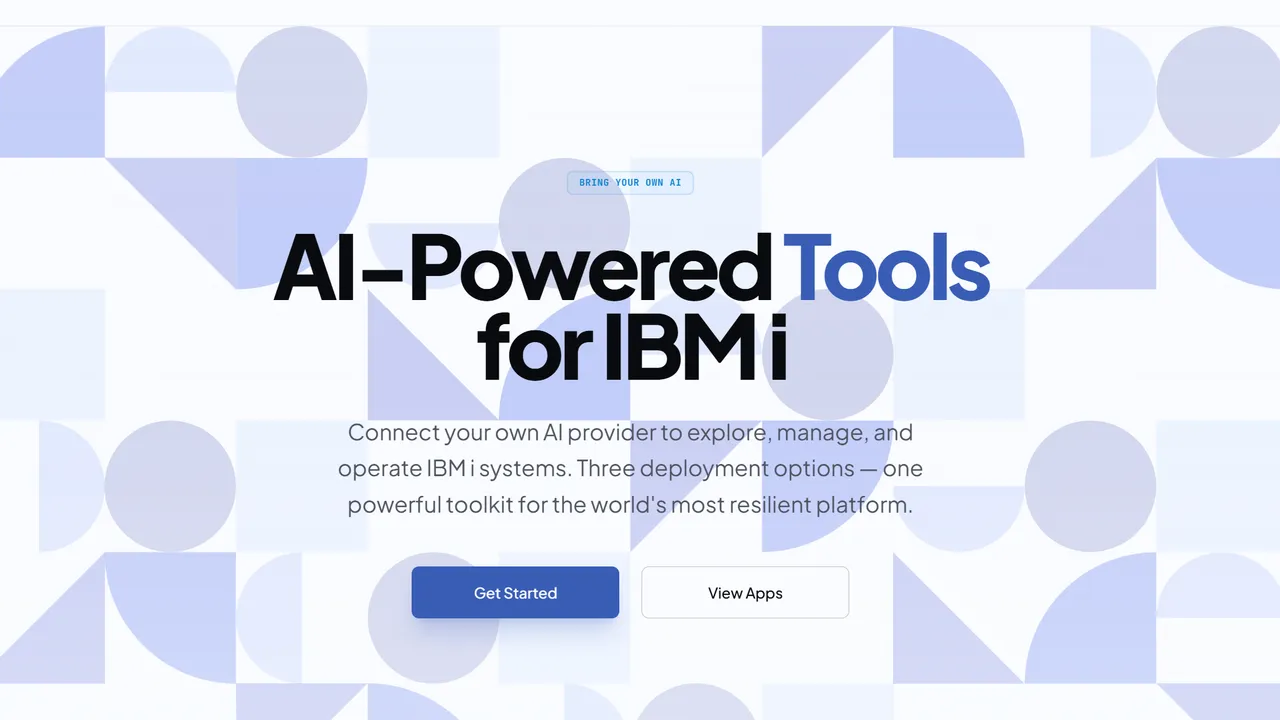
At the center is an MCP (Model Context Protocol) server published as @bdkinc/ibmi-mcp. It exposes deep system integration to any AI that speaks MCP. Because it is BYOK (Bring Your Own AI), you provide the model and the server provides the tools.
Surrounding the server are two interfaces:
- A web application that connects directly to the MCP server.
- A desktop application for users who prefer a native client.
Both are built to make IBM i feel less like a black box and more like a conversation.
Architecture
The server is built on Hono and talks to IBM i through knex-ibmi and nodejs-itoolkit. The web app itself is built on top of my tanstack-hono SSR monolith template.
Everything lives in a single monorepo with a shared design system, which keeps the desktop and web experiences consistent.
Shrinking 184 Tools Down to 31
An early version of the server exposed 184 individual tools. The sheer volume created two concrete problems.
First, VS Code (and several other MCP clients) enforces a hard limit of 128 tools. We were well beyond that.
Second, 184 options made LLM decision-making measurably harder. Too much surface area led to hesitation and incorrect selections.
I redesigned the tool surface down to 31 core facade tools that cascade into multiple selectors. Each facade tool accepts a view or operation parameter, so the LLM makes a coarse decision first, then drills down. This also lets a single MCP session connect to multiple IBM i servers without tool duplication. The result is a cleaner interface, faster model decisions, and a more intuitive path from intent to action. We aimed for a mix where the user and agent both have freedom to explore, while guided workflows keep actions predictable and safe.
The 31 Core Tools
The tools are grouped into Observe (read-only), Recommend & Act (mutating), and General & Context helpers.
Observe (Read-Only Facades)
| Tool | Purpose |
|---|---|
inspect_system |
Hardware health, OS identity, PTF status, disk, memory pools, system values |
inspect_storage |
Storage pools, consumption, temp usage by job, ASP configuration |
inspect_jobs |
Active, scheduled, and queued jobs, job queues, performance pressure |
inspect_subsystems |
Running subsystems and subsystem descriptions |
inspect_spool |
Output queues, spooled files, printer writers, file contents |
inspect_messages |
History log, QSYSOPR, job logs, message queues |
inspect_ifs |
IFS directories, file content, search, metadata |
inspect_objects |
Library objects, locks, save history, authority |
inspect_network |
TCP servers, listeners, connections, HTTP servers, NetServer, DRDA |
inspect_users |
User profiles, authorities, stale accounts, password expiration |
inspect_security |
Audit config, certificate expiry, login activity, authorization lists |
inspect_database |
Db2 schemas, tables, indexes, foreign keys, SQL services |
inspect_powerha |
High-availability clusters, CRGs, replication, HyperSwap |
inspect_brms |
Backup history, control groups, media, job activity |
run_sql_recipe |
Execute audited, read-only IBM i diagnostic SQL recipes |
Recommend & Act (Mutating Facades)
All state-changing tools use a two-phase preview → approve → execute lifecycle.
| Tool | Purpose |
|---|---|
manage_job |
End, hold, release, or change job properties |
manage_job_queue |
Hold or release job queues |
manage_subsystem |
Start or end subsystem descriptions |
manage_spool_file |
Delete, hold, or move spooled files |
manage_ifs_path |
Delete, rename, move, create/remove directories, change IFS authority |
manage_ifs_backup |
Save or restore IFS directories |
manage_tcp_server |
Start or stop TCP network daemons |
manage_messages |
Reply, send, or clear messages |
manage_user_profile |
Create, disable, reset password, change, or delete user profiles |
manage_object_security |
Grant/revoke authority, change owner, restore libraries |
General & Context
| Tool | Purpose |
|---|---|
plan_run_ibmi_command |
Preview any CL command and generate an approval context |
run_ibmi_command |
Execute an arbitrary CL command after approved planning |
manage_session |
Set or retrieve session settings like library lists (*LIBL) |
What You Can Do With It
For new users, the assistant is a tutor. It can walk you through navigating the IFS, checking active jobs, or understanding spool files.
For experienced operators, it is an accelerator. You can ask for quick storage analysis, filtered job logs, or targeted health checks. Instead of memorizing command syntax, you describe what you need and the server translates that into the right system calls.
The Apps in Action
Current Status
The project is in beta and is being validated internally on production IBM i environments. The goal is to harden the toolset, refine the selectors, and ensure the responses are reliable before a wider release.
If you work with IBM i and are curious about augmenting it with AI, the MCP server is available on npm. Install it, bring your own model, and see what the system can tell you.
A Production-Ready Knex Dialect for IBM i DB2
Streaming queries, emulated RETURNING, multi-row inserts, and a custom migration runner. This is the Knex dialect I wish existed when I started building on IBM i.
A Modern Feathers.js Stack on IBM i: Real-Time APIs on DB2
Real-time WebSockets, REST APIs, and a Vite React frontend running directly on IBM i using Feathers.js and a custom Knex adapter for DB2.
Renaissance Technical: Designing with AI
How I used OpenCode and Gemini to build a "Renaissance Technical" design system that pits rigid grids against organic circles—and why AI is the brush, not the painter.